
Spirulina counting from a photo
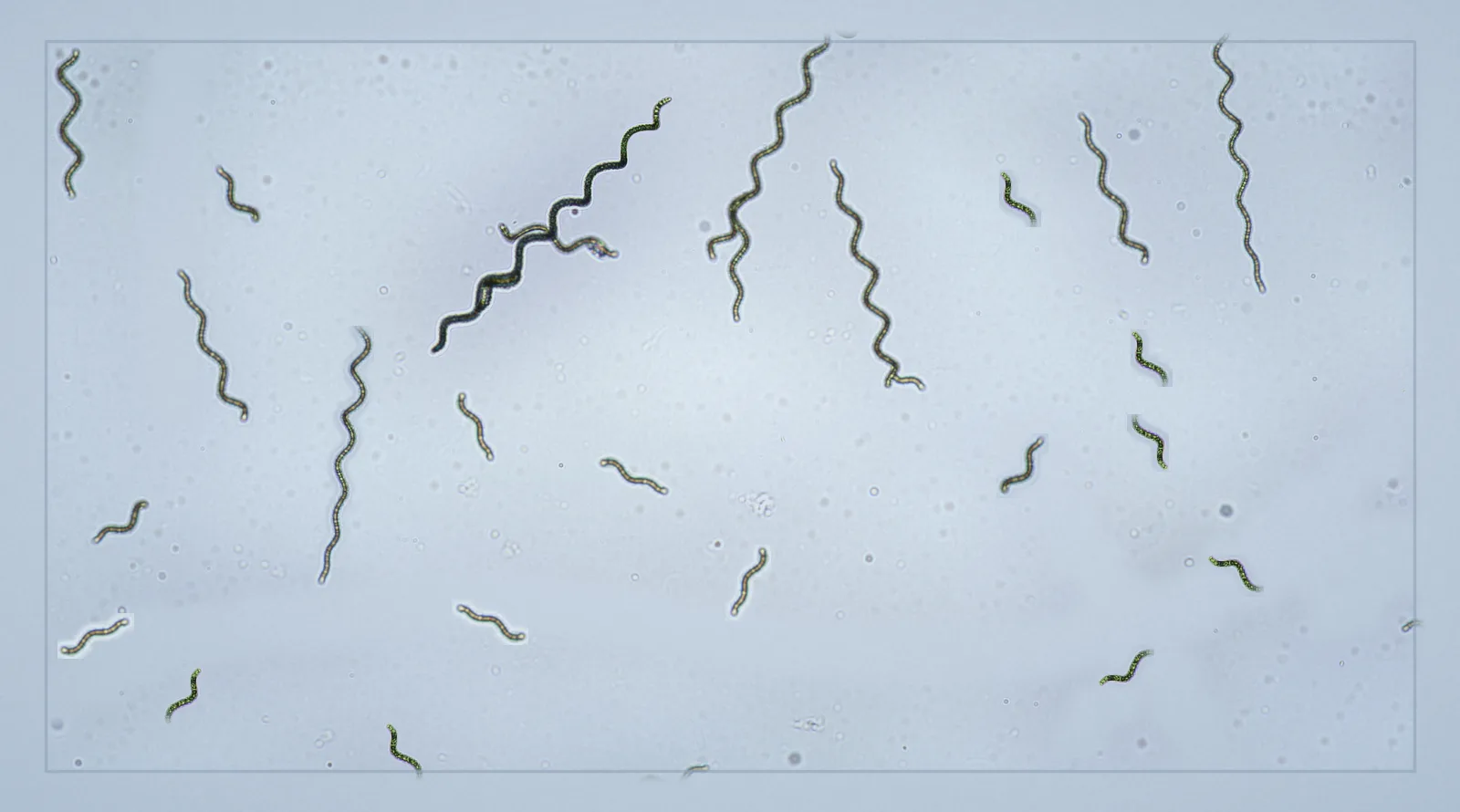
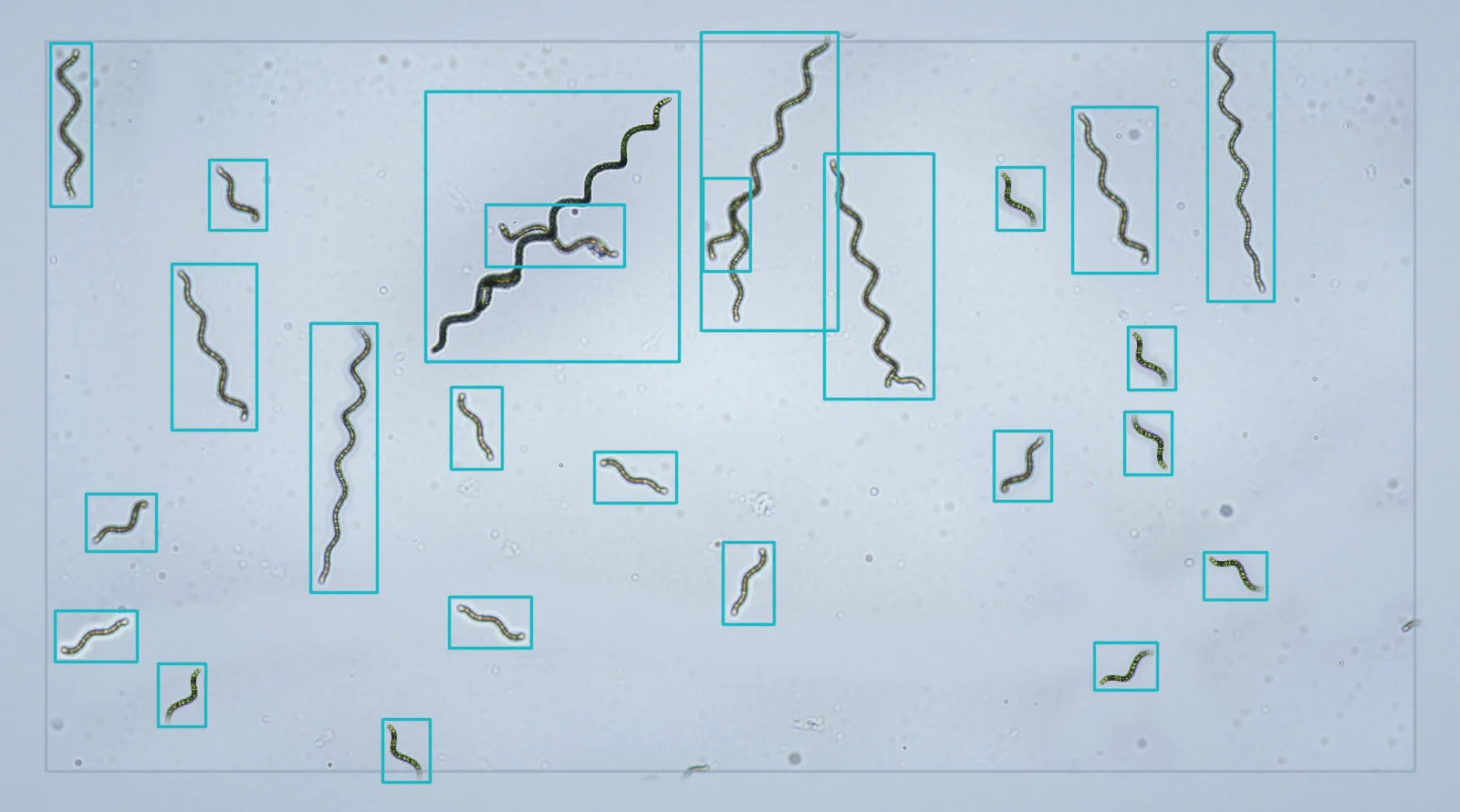
Photograph a sample. OXYGEN
counts it and keeps every count on record.
Follow every culture
Growth over time
Counts from one day to the next show how fast a culture is growing.
Time the harvest
Knowing the density tells you when a culture is ready to harvest.
Slow under the microscope
Counting spirulina by eye is slow and tiring.
Two counts, two numbers
Two people counting the same sample rarely agree.
How it works
Photograph
Take an image of your sample.
- 0 filaments counted
Count
OXYGEN returns the count, plus size data where available.
Track
Compare samples over time and follow culture growth.
tank-4.xlsx
Scan Count Day 18 morning 252 Day 17 evening 171 Day 16 morning 251 Export
Download your counts and share them with your team.
Questions
Which strains does OXYGEN count?
Tell us what you grow. We confirm what OXYGEN covers for your case during the demo, and train a model on demand when needed.
How accurate is it on spirulina?
It depends on the strain, density and image quality. In the demo, we run OXYGEN on your own samples so you can compare it with your counts.
Can we keep a record of every culture?
Yes. Counts are saved by project, so you can follow a culture from inoculation to harvest, and export the data.